

Time to complete: ~30 minutes
Integration Steps
Step 1: Connect Your Cloud Provider Cost Data
- Who: Engineering / DevOps team
- Time to complete: ~15 minutes
- View the Engineering Quickstart guide:
- Connect your Cloud Provider Cost Data - Required - Connect to your Cloud Provider to automatically import cost data.
Step 2: Map your Cloud Costs to Production/Non-Production
- Who: Engineering / DevOps team
- Time to complete: ~15 minutes
- View the Engineering Quickstart guide:
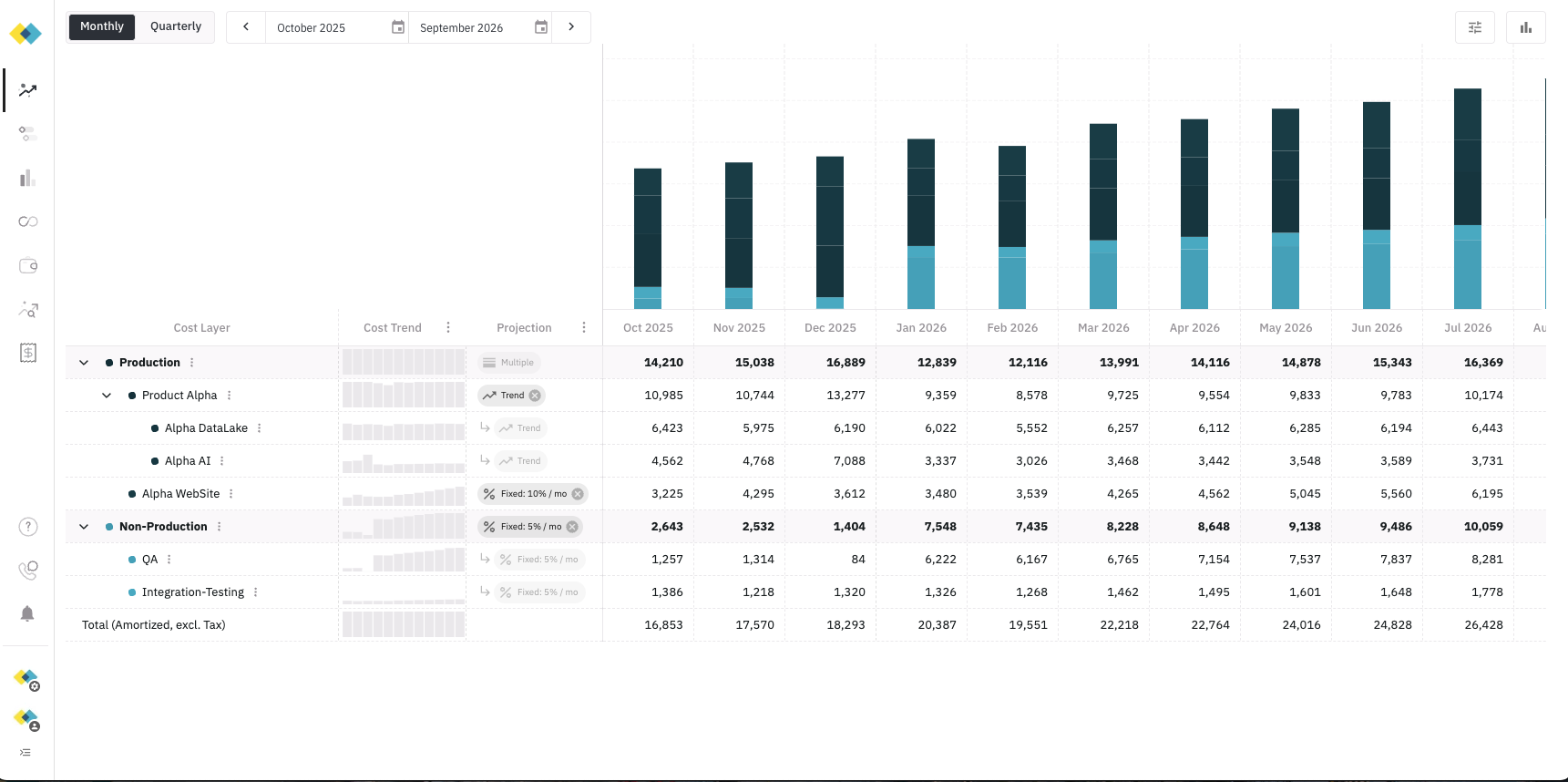
- Map Cloud Resources - Required - Map your imported consumption data (Cloud Resources) to your Forecast’s Cost Layers